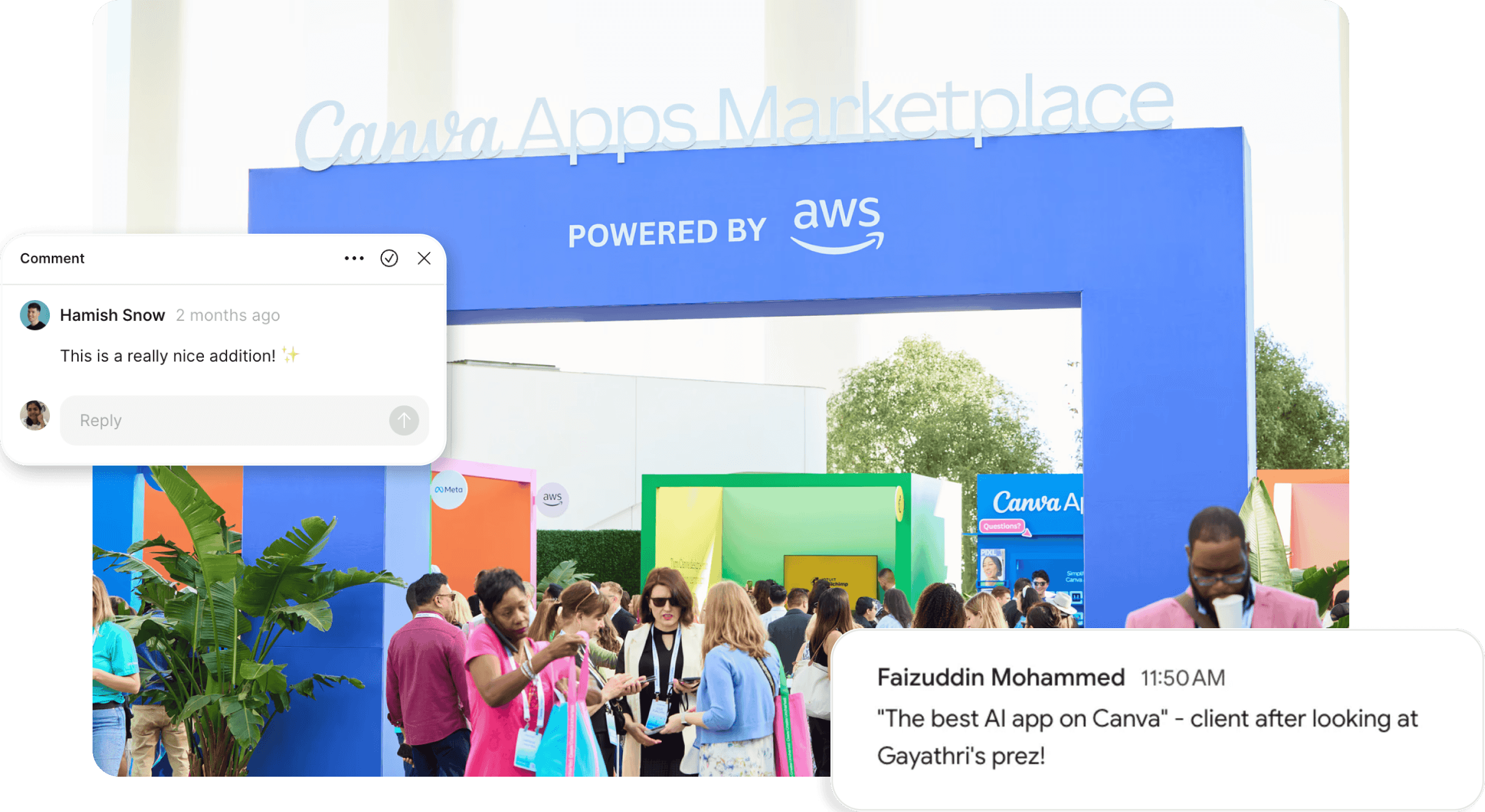
Creating a Canva app for AWS Nova ( Amazon's Gen AI platform ) into Canva - to help users apply GenAI effects to images directly: like Generate images from prompts, replace an object, create variations etc
My Role
Evaluated and enhanced the UX of a rough PoC for Canva.
Delivered a cleaner, more intuitive UI aligned with Canva’s design system.
And, how I went beyond
Ran prompts directly with AWS backend APIs to simulate and surface edge-case error scenarios, informing more resilient UX flows.
Proactively shared reusable components, interaction guidelines, from Storybook library to speed up development cycles.
Conducted iterative testing with power users of generative AI image tools to uncover nuanced needs and validate design directions.
Existing Proof of concept…
had many basic to severe UX & UI issues…

… which then led to some Initial observations 💡
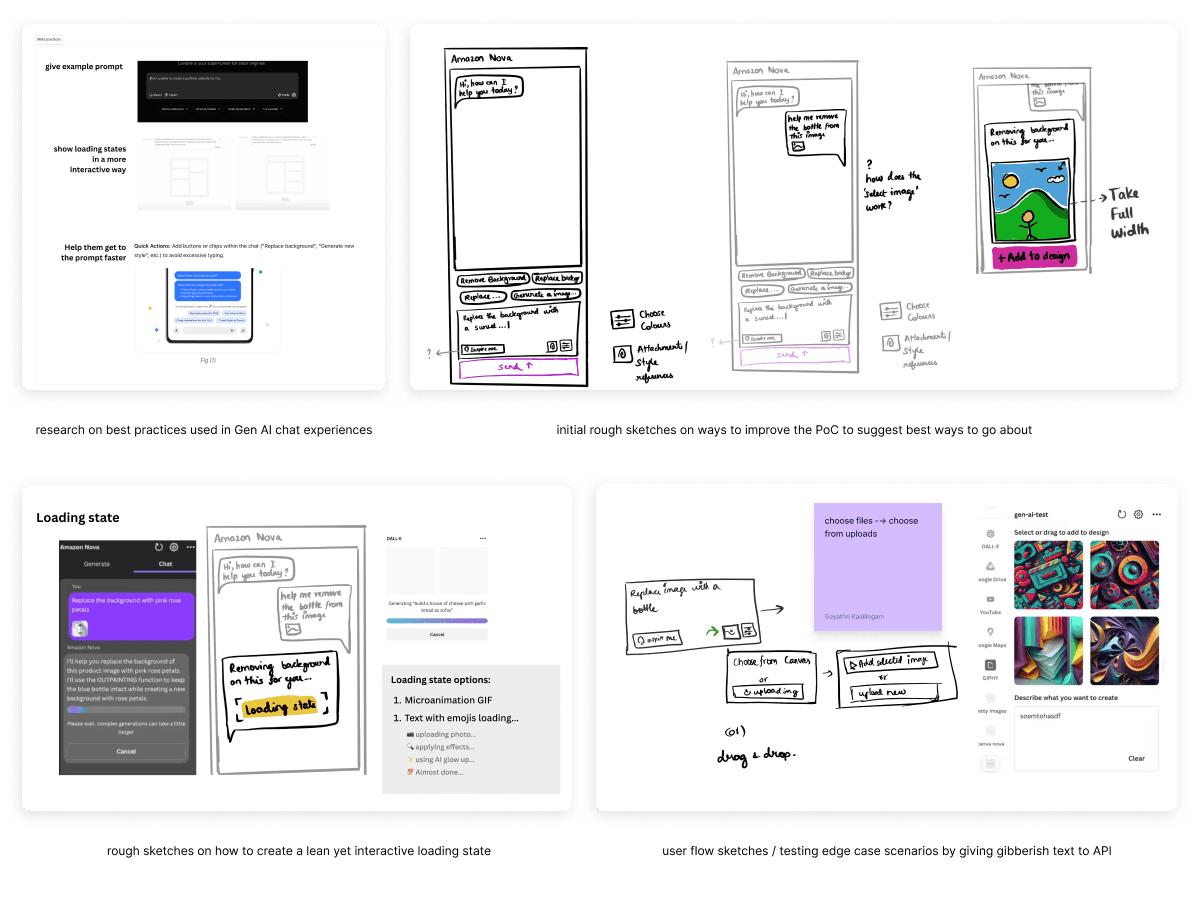

Initial Iterations
The Iteration 1 was done and later ran with engineers, extensive Gen AI for image users, and with the official Canva team as well
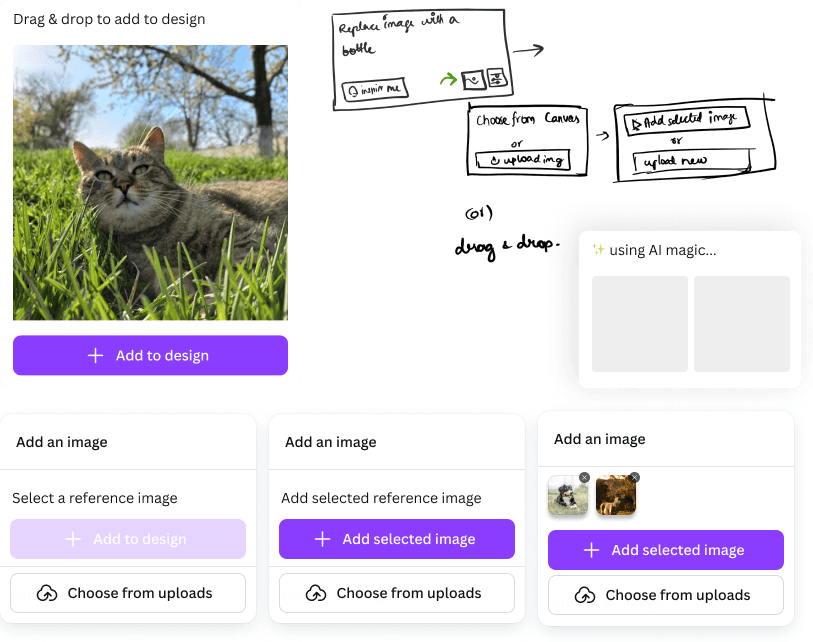
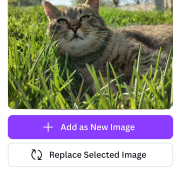
User would likely want to replace selected image too
“
“I want to replace my current image with new image, especially when I use remove bg type functions"
💬 Avid Gen AI user
Add reference image
Label
Upload an image
Choose from uploads
Select an image in the canvas, or

before
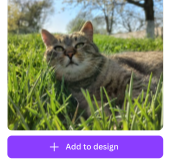
⭐ after
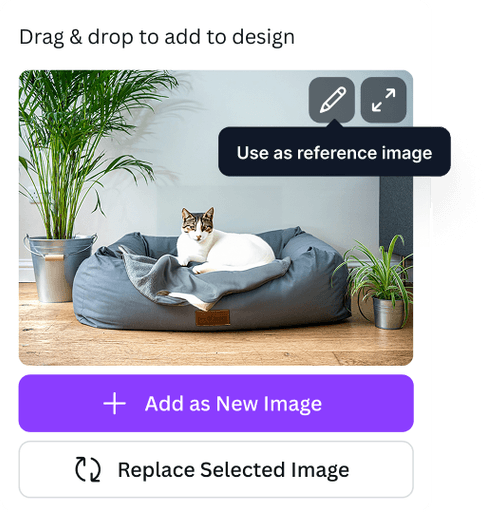
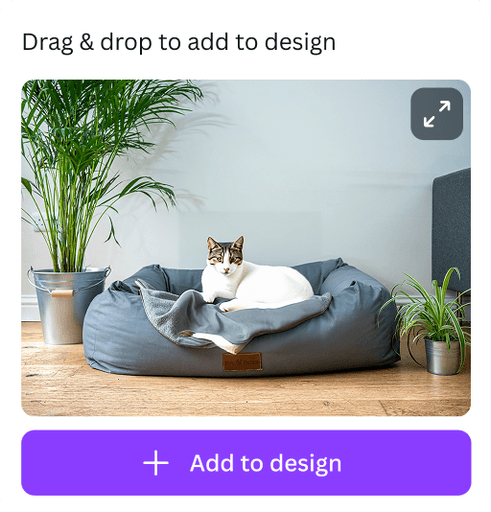
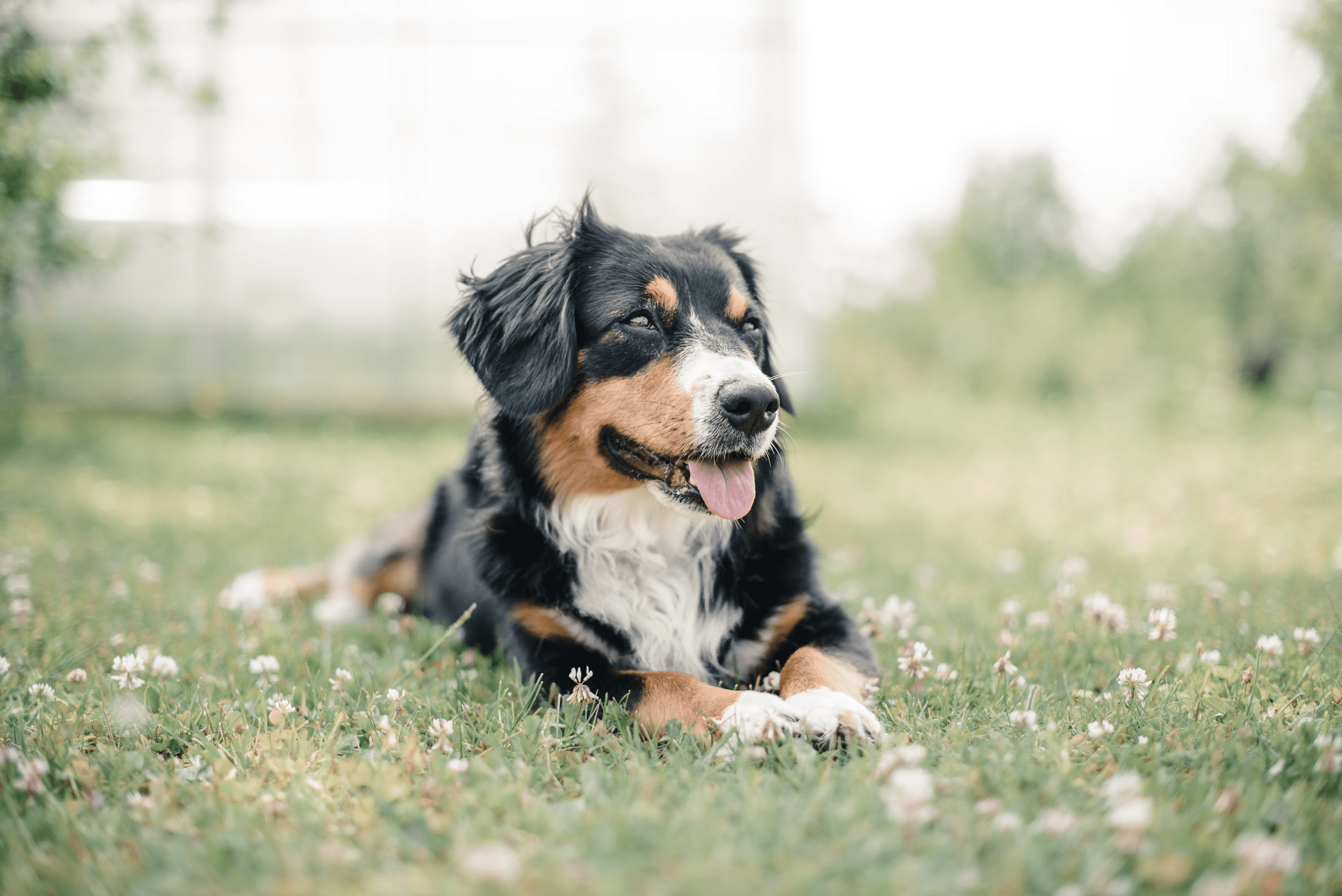
Refine ‘adding image’ into AI chat interaction
Add an image
Label
Upload an image
Choose from uploads
Add selected image

before
Add reference image
Label
Upload an image
Choose from uploads
Select an image in the canvas, or
⭐ after
“
"Users might want to add images from the canvas to the AI chat in min. clicks part of the workflow, refine it a bit "
Sr. Designer 💬
Enhanced & refined
verbiage
✨ Using AI magic...
✨ using AI glow up…
“
"Need to be careful with verbiage, let me help you out, lets replace “...” with “...”
like use ‘magic’ only in native apps"
Canva team 💬
Edge case scenarios / Errors
Biggest challenge with AI, uff.
Making sure we gracefully fail when things go wrong and help the user to bounce back as fast as they can
1
Tell what went wrong
2
Tell what they can do to rectify it
3
Understand what the model is capable of identifying as an error or wrong prompt

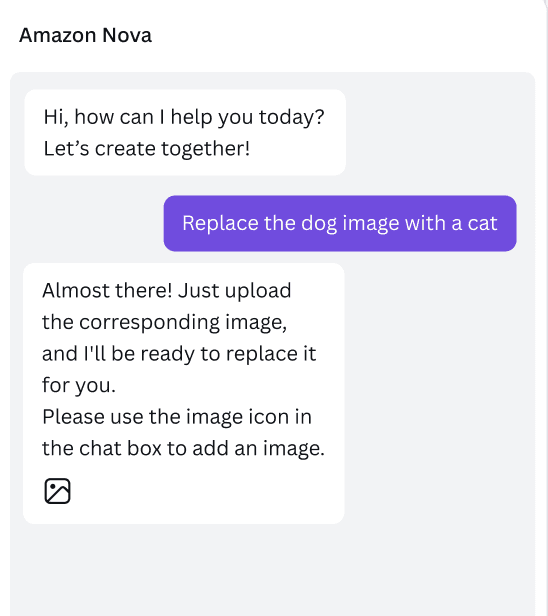
Help Users Recognize, Diagnose, and Recover from Errors
eg. Failing to attach image / attaching many images
Little bit of Prompt engineering
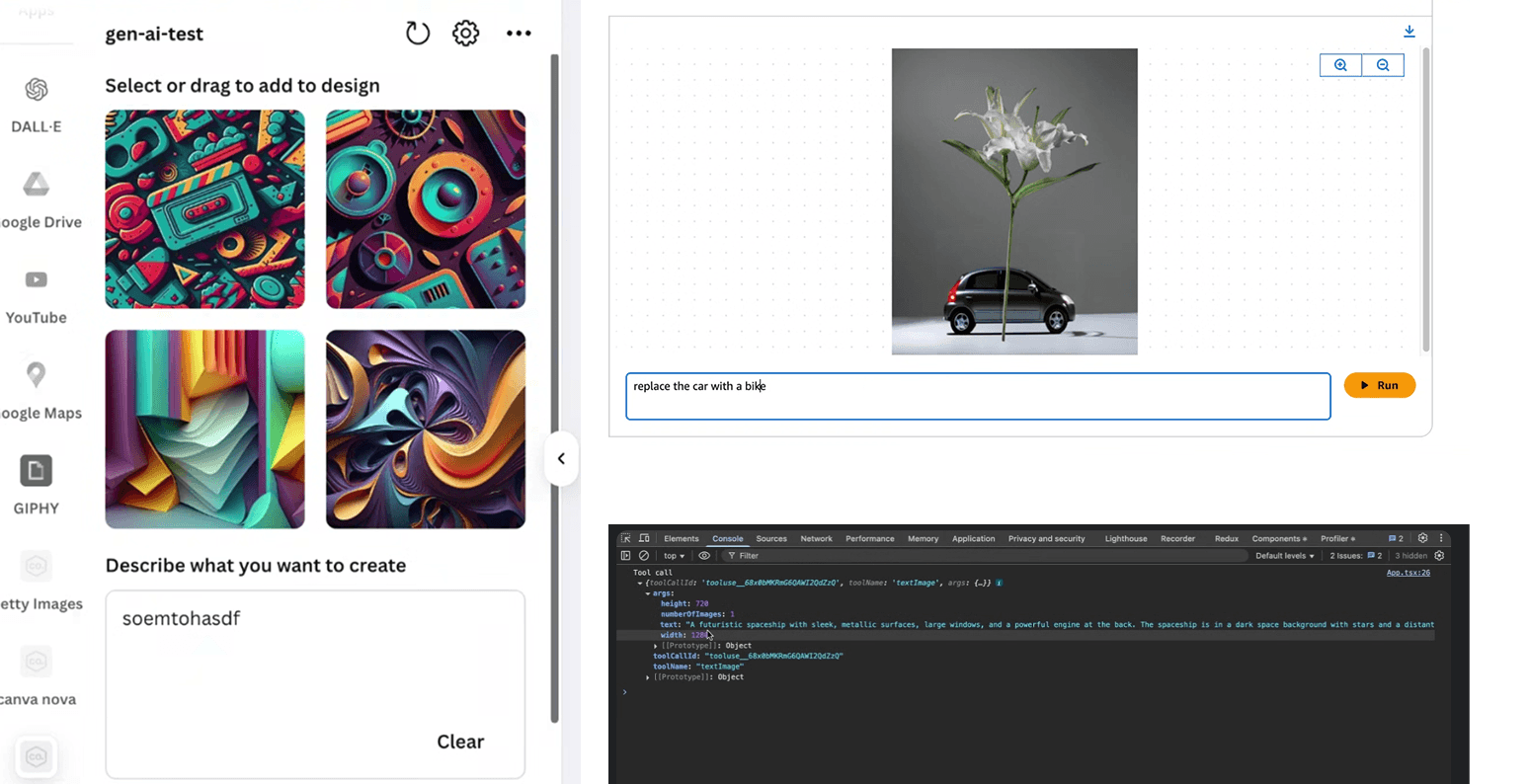
While decoding edge case scenarios we had to play with the AI mdoels directly to understand how it reacts to different prompts, to nudge user behaviour appropriately.
Key learnings & takeaways
It taught me how to be versatile and adaptable to new technologies and how to partner with tech and product teams to understand the nuances of emerging technologies.
This project proved as a testament to my fast learning abilities and how I thrive in new creative environments. To put the user first in spite of whatever comes.
Taught me a lot about how to work alongside LLM models, examples of how they behave, and to understand its core more efficiently.
TARGET RETAIL | Growth Design
Could a few user‑generated content photos/videos boost trust, clicks, and revenue?